The missed call
A customer calls while you're with a client
Mere records the request and links the call to the customer record.
Review the request and arrange a callback.
Manage calls, quotes, and invoices in one place.
Mere connects messages and activity to each customer. Review follow-up tasks and decide what to send. AI assistance is optional.
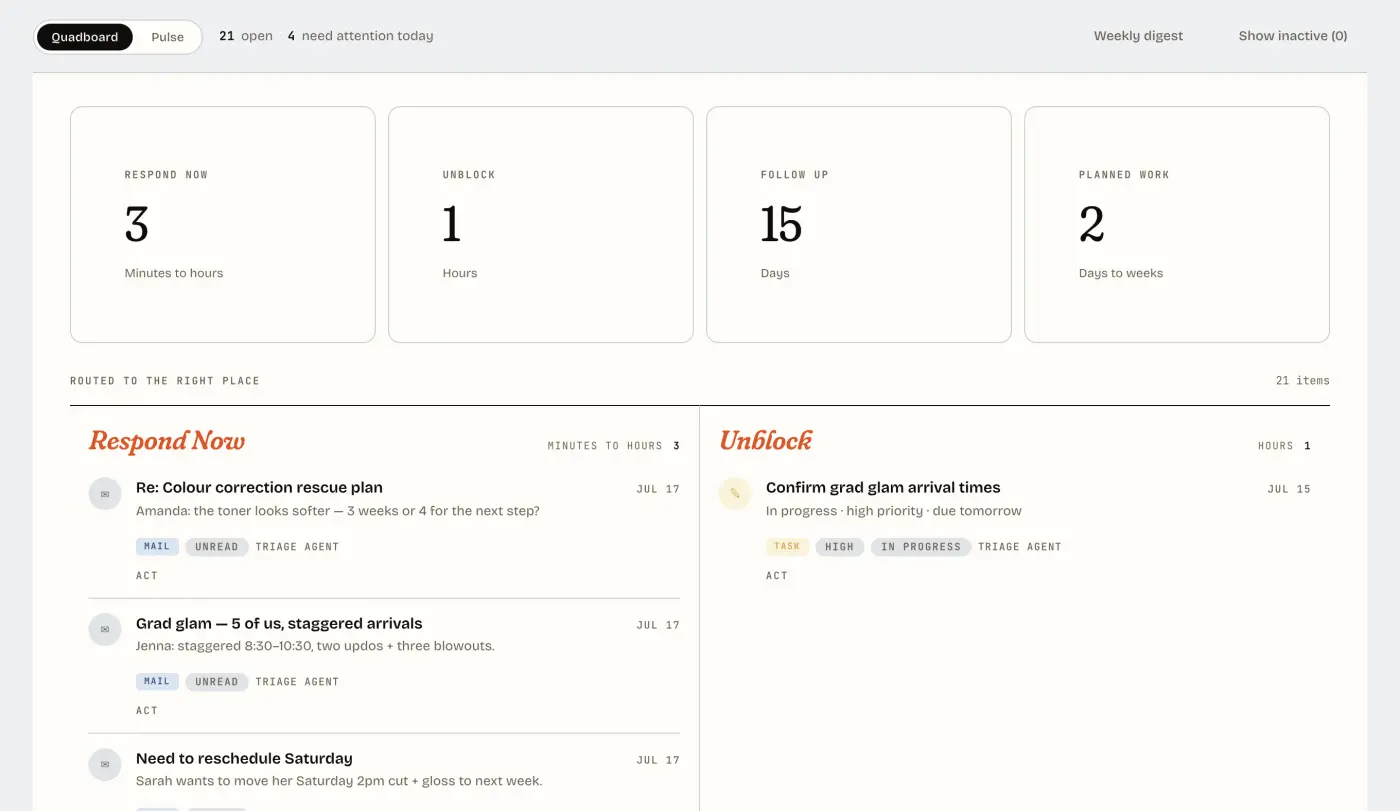
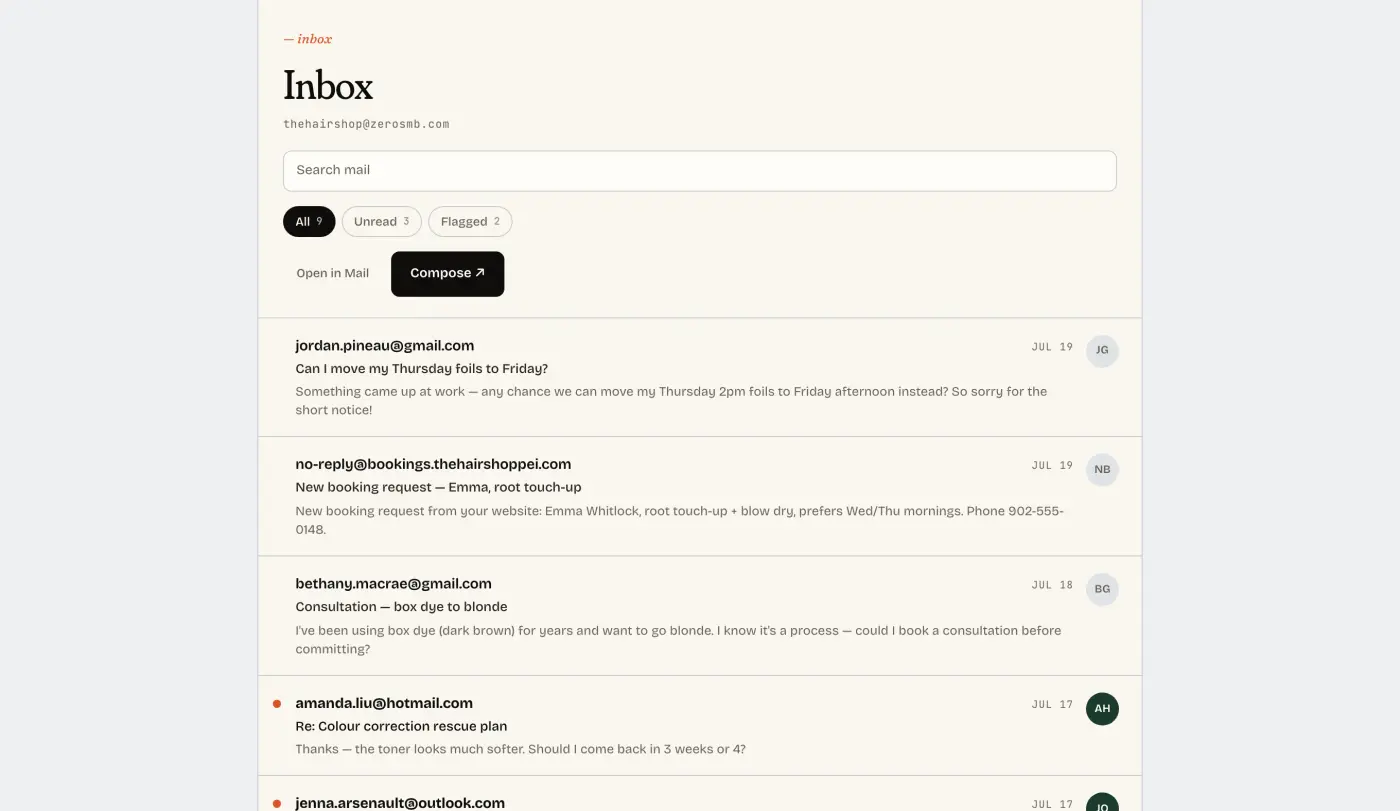
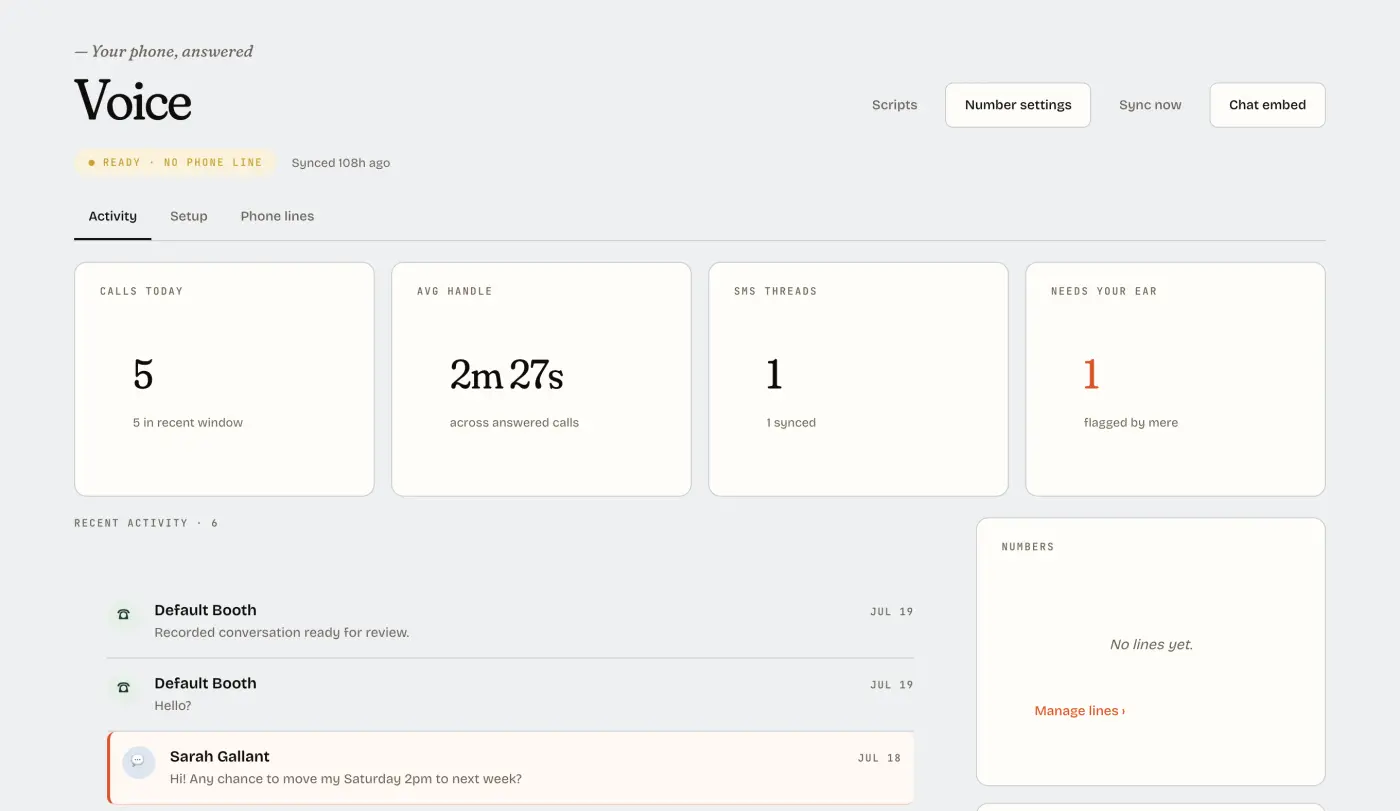
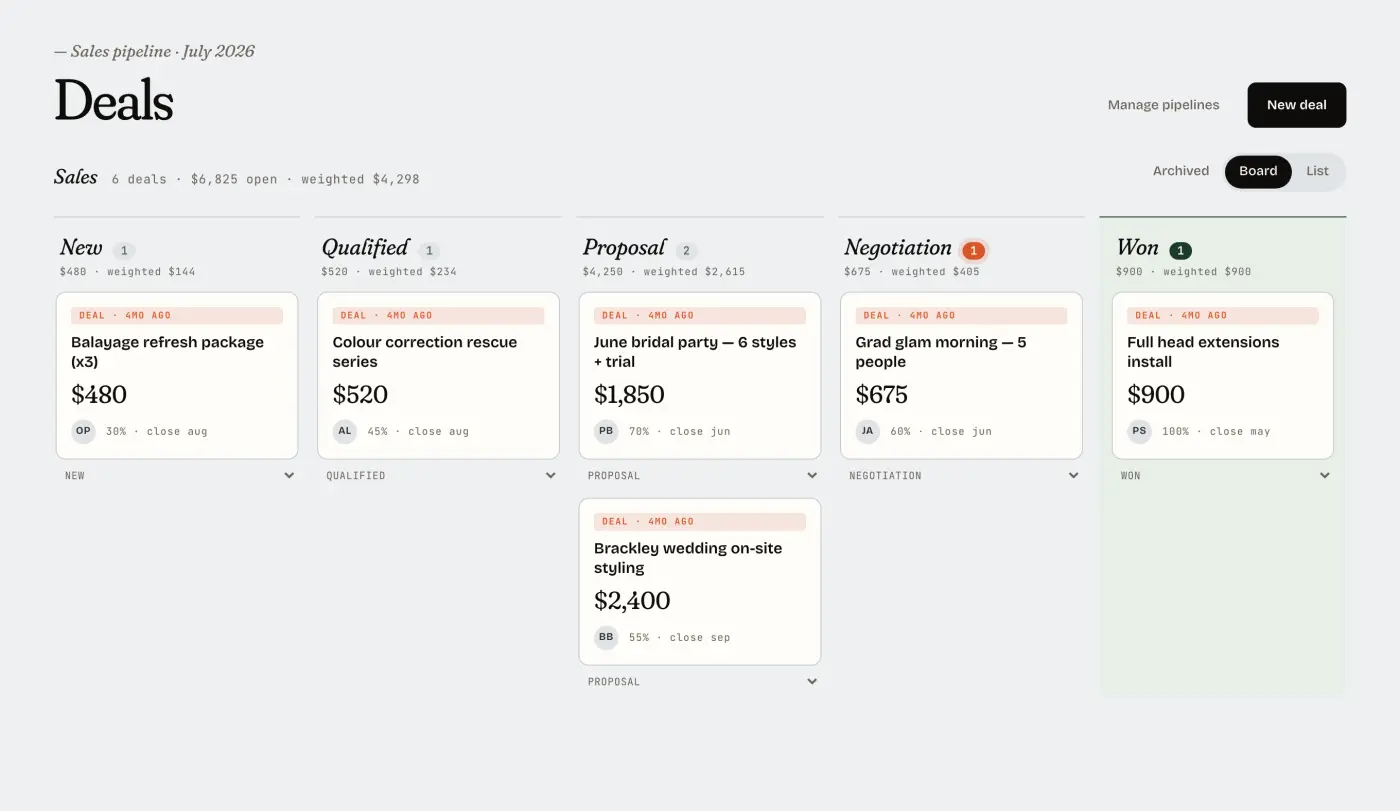
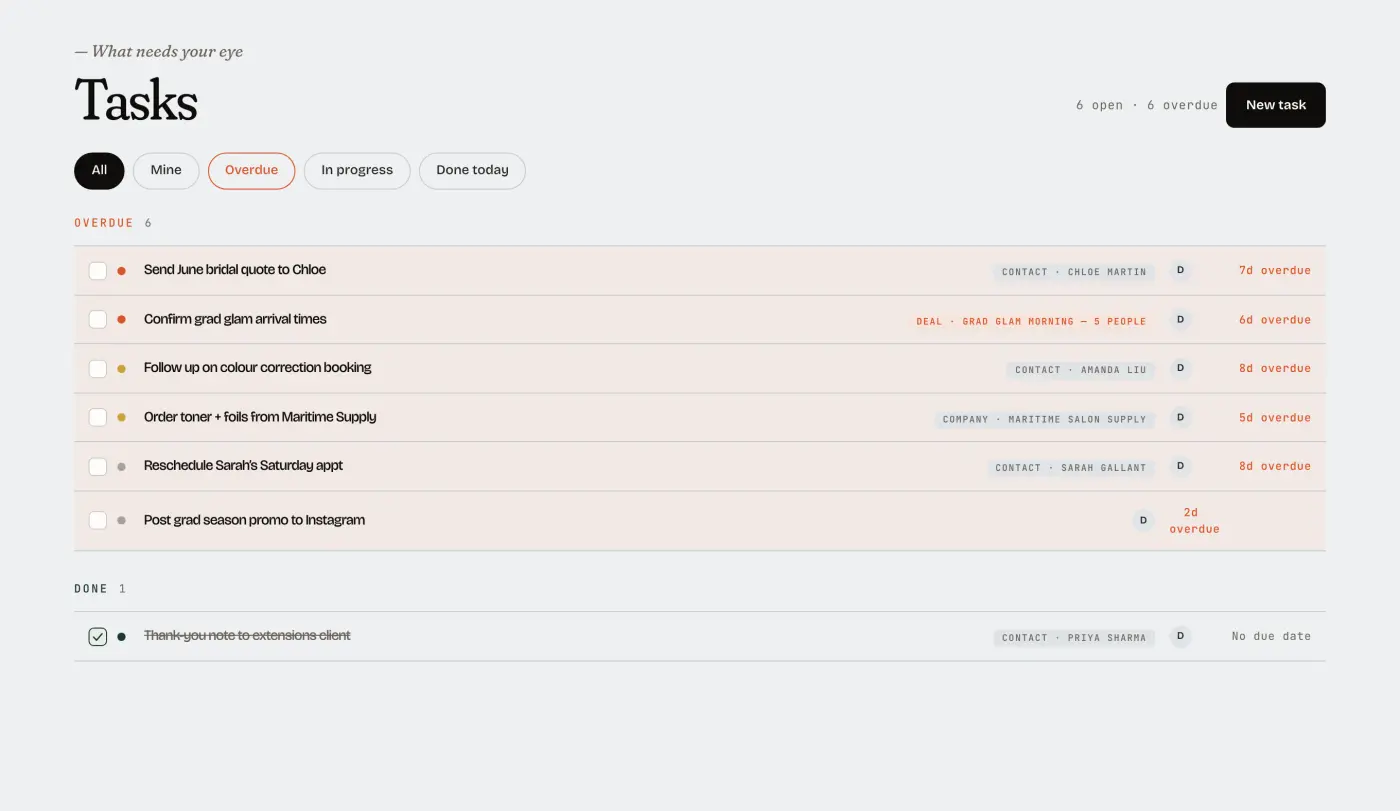
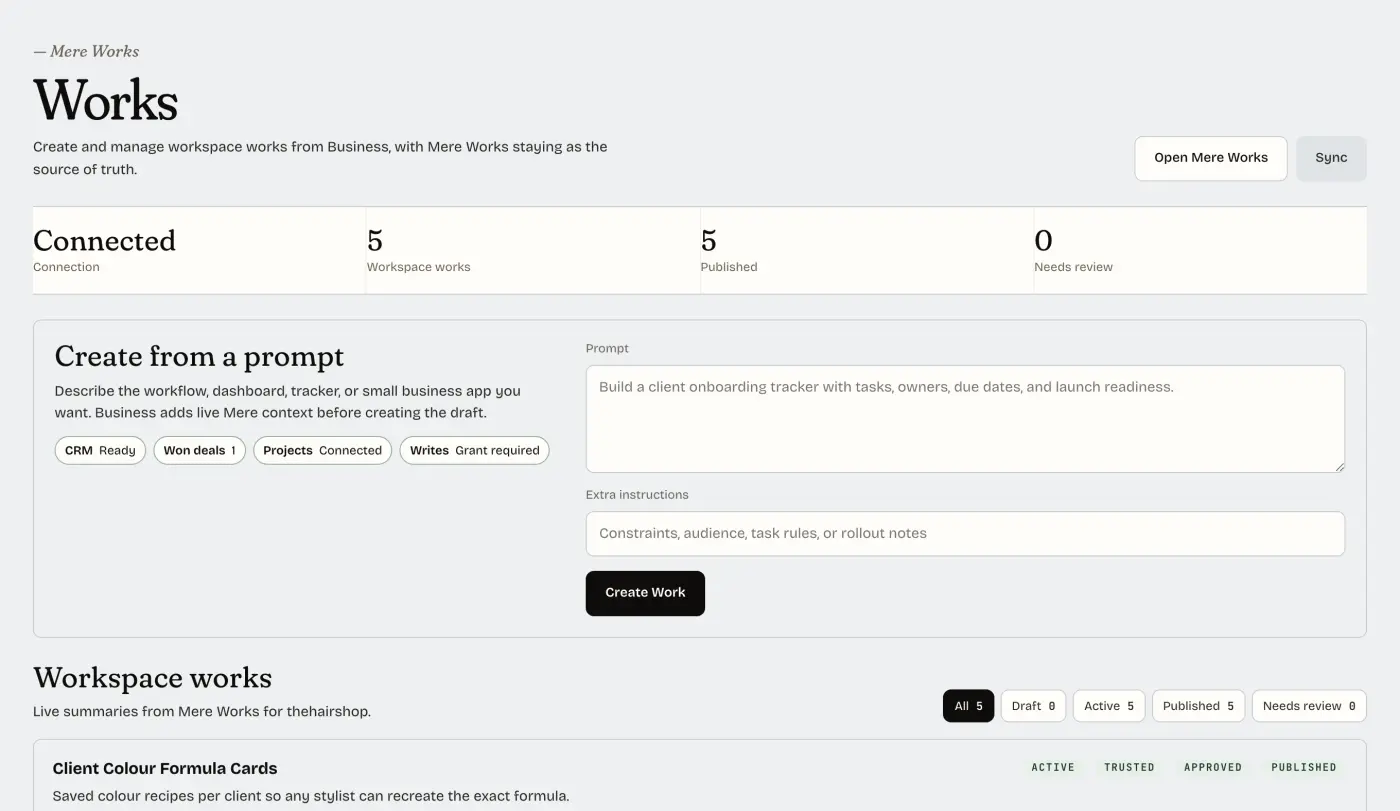
Screenshots from the Hair Shop demo workspace. Explore the demo workspace
Mere records the request and links the call to the customer record.
Review the request and arrange a callback.
Review the customer's invoice and payment history before you prepare a reminder.
Choose when and how to follow up.
Keep the request, customer details, and follow-up task together so you can prepare a reply.
See which requests still need a response.
Use your booking schedule and customer records to plan an offer.
Review the offer and choose who receives it.
In this example, Dana calls, books an appointment, pays an invoice, and responds to an offer. Each activity appears in the same customer record.
Use the customer's booking, payment, and message history to plan your next response. You can review the context in one place.
The Ops board groups customer requests and internal tasks by urgency. Review work that needs a response, follow-up, or a decision between jobs.
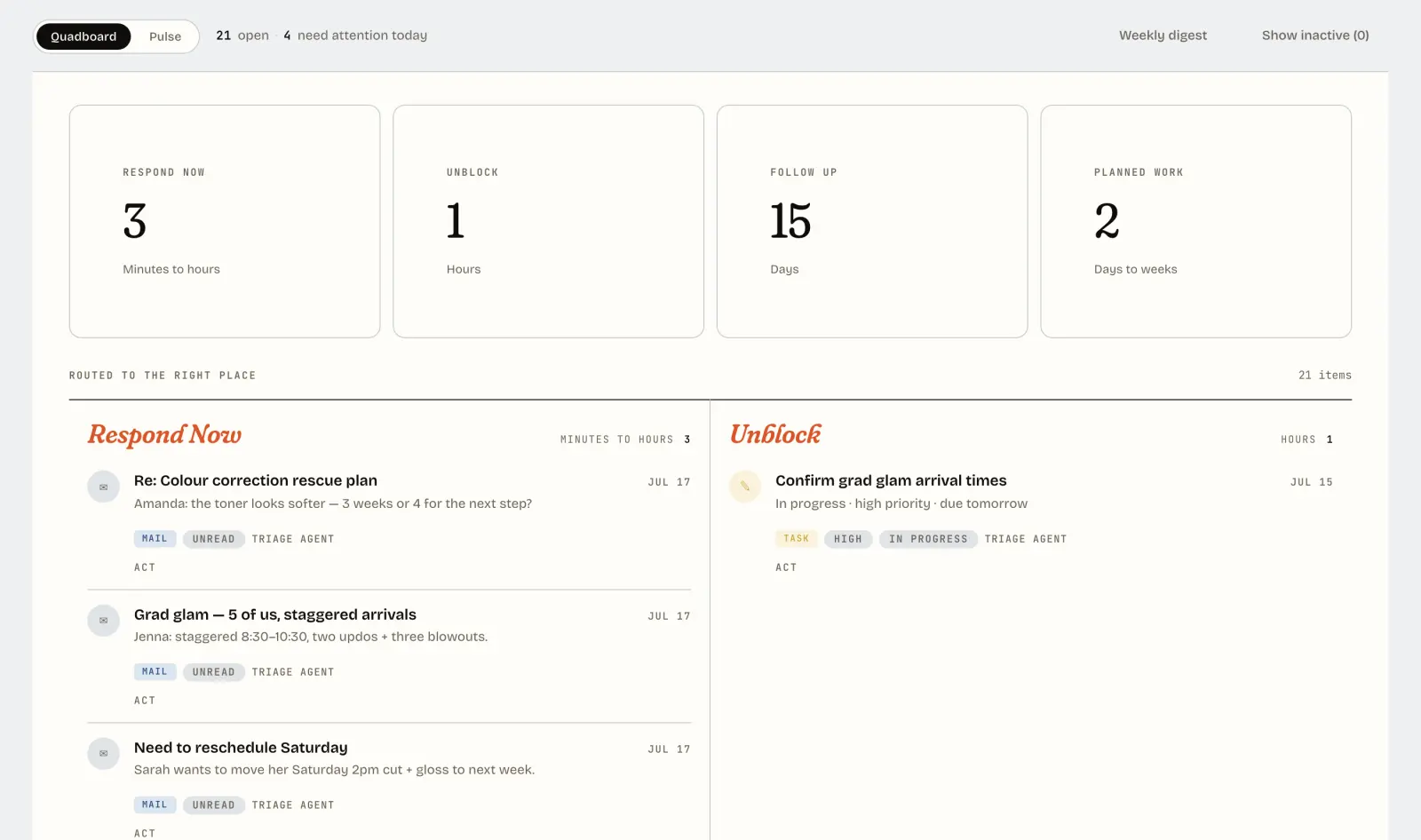
Keep calls and messages with customer records so you can review requests and respond.
Track unanswered quotes, open deals, and follow-up tasks in one place.
Plan offers, prepare campaigns, and review results alongside your customer records.
Assign tasks, coordinate work between team members, and track due dates.
Your team works from the same customer records and task list.
When you use AI assistance, review suggested actions and draft replies before approving them. Choose the access and approval settings that fit your business.
Use a domain you own for your website and booking pages.
Use email addresses on your business domain.
Export your customer list and interaction history when you need it.
Your business has a dedicated workspace and database.
You can export your customer data if you leave.
AI is off until you turn it on. You can manage your customer records and tasks without AI assistance.
Your plan includes the team, tools, and integrations.
Include your team without a separate charge for each person.
Calls, messages, and integrations are included in the plan.
Ask about early access pricing. Businesses that join at the founding rate keep that rate.
Consultants, bookkeepers, and business operators can help with setup and ongoing support. Partners set their own rates. Your workspace stays in your name.
Access is by invitation so each business gets help with setup. Leave your email address and choose the tasks you need help with.